

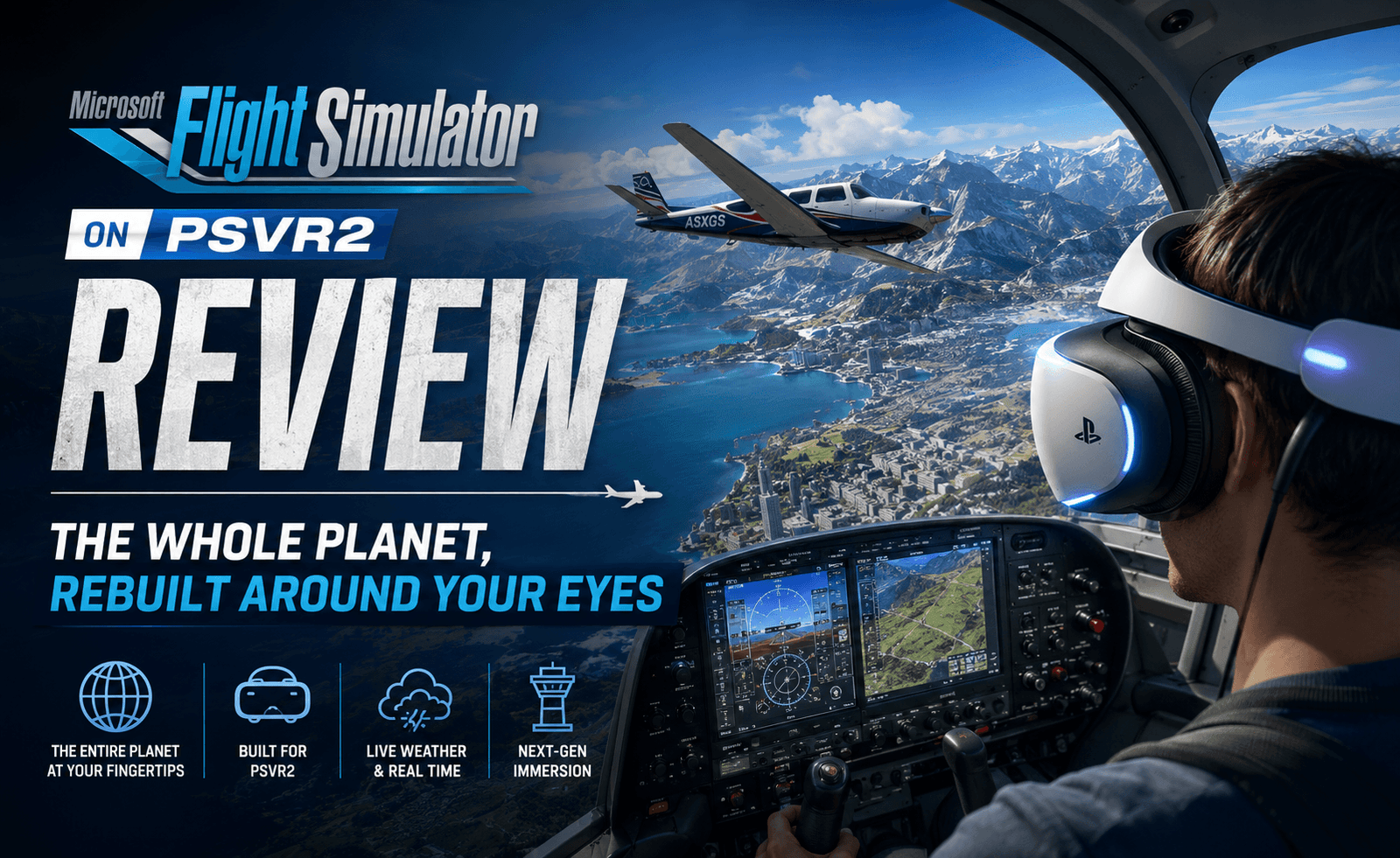
There’s a specific moment that sells Microsoft Flight Simulator on PSVR2 completely: banking a small propeller plane over a coastline at sunset, turning your head to actually look down at the water below, and realizing the game rendered every wave, every cloud shadow, and every glint of light exactly where your head decided to look. This is one of the most visually staggering things ever placed inside a VR headset.
Asobo Studio’s flight simulator has spent years building a reputation as one of gaming’s great technical achievements — a satellite-fed recreation of the entire planet, down to real-time weather and individually modeled buildings in major cities. Bringing that scope into PSVR2 always sounded like a bridge too far for a console headset. It isn’t. This is one of the most impressive ports of the year, and arguably the best argument yet for what PSVR2’s hardware is capable of.
Scope: An Entire Planet in Your Headset
The core pitch of Microsoft Flight Simulator has always been its scale — a photogrammetry-and-satellite-driven recreation of Earth that lets you take off from literally any real-world location and fly anywhere else. In VR, that scope stops being an abstract marketing point and becomes something you feel directly. Taking off from a small regional airport, watching real terrain scroll beneath your wings, and recognizing an actual mountain range or coastline you’ve visited in real life creates a sense of place that flat-screen flight sims, for all their technical sophistication, have never quite matched.
Cockpits: Where VR Changes Everything
The cockpit is where this port truly separates itself from the flat-screen version. Every gauge, switch, and lever is modeled with a level of detail that rewards physically leaning in to read a specific instrument rather than relying on a HUD overlay. Reaching out to flip a physical switch for landing gear, glancing down at a fuel gauge tucked in a corner of the panel, or craning your neck to check blind spots before a turn — these are all things flight simulator enthusiasts have wanted for years, and PSVR2’s headset, paired with its controllers, delivers them convincingly.
- Head-tracked instrument reading replaces static HUD elements, forcing genuine attention and situational awareness.
- Eye-tracked foveated rendering (a PSVR2 hardware feature) keeps whatever you’re looking at crisp while allowing peripheral detail to scale back, which is a major part of how this runs as well as it does on console hardware.
- Physical switch and lever interactions via the Sense controllers add a tactile procedural layer that flat-screen keyboard shortcuts can’t replicate.
Weather and Atmosphere
Real-world weather data feeds directly into your flight, meaning storms, cloud cover, and wind conditions in the game frequently mirror what’s actually happening at that location in reality. Flying through genuine turbulence, watching a storm system roll in from the horizon and darken the cockpit as rain streaks across the windshield, or catching golden-hour light exactly where the sun would really be at that time of day, adds a layer of unpredictability and immersion that scripted flight sequences in other games simply cannot replicate. In VR specifically, watching cloud layers pass below and around you, rather than just in front of a flat screen, is a genuinely different sensory experience.
“Microsoft Flight Simulator hit PSVR2 in late April, bringing one of the most visually impressive games ever made into stereoscopic VR — and it’s every bit the technical showcase that sentence implies.”
Aircraft Variety
The full library from the flat-screen version carries over, from small single-engine propeller planes ideal for scenic low-altitude sightseeing, to complex commercial airliners with dense, authentic cockpits that reward players willing to learn genuine procedures. Helicopters and gliders round out the roster, each requiring meaningfully different piloting approaches. For VR specifically, the smaller aircraft tend to be the most immediately satisfying, since their simpler cockpits and lower speeds make it easier to appreciate the scenery without needing to manage a dozen systems simultaneously — though dedicated simmers will find plenty of depth in the larger aircraft too.
Comfort Considerations
Flight simulation has historically been one of the more comfortable VR genres, since the sensation of smooth, controlled motion inside a cockpit tends to be far less nauseating than fast, erratic movement in an action game. That holds true here. A stable cockpit frame around your field of view acts as a natural comfort anchor, and most players should be able to handle extended sessions without significant discomfort. Sudden maneuvers, sharp banking turns, and turbulence can still cause some queasiness for VR-sensitive players, and a comfort vignette option is available for those who need it.
Performance and Technical Notes
Running a simulation of this scope on console VR hardware inevitably requires compromises. Distant ground detail, especially in dense cities, doesn’t match the ultra settings achievable on a high-end PC, and some texture pop-in is noticeable when flying at low altitude over detailed urban areas. That said, PSVR2’s eye-tracked foveated rendering does an admirable job masking most of these compromises during normal play, and the overall package remains the most visually ambitious VR experience currently available on the platform.
Exploring the World: A Different Kind of Travel Game
One of the most underrated aspects of Flight Simulator in VR is how it functions as a genuine travel experience rather than just a piloting challenge. Setting a leisurely route over a real city you’ve actually visited, and recognizing landmarks rendered with surprising accuracy from thousands of feet up, produces a specific kind of quiet wonder that’s difficult to replicate in any other genre. Sightseeing routes curated by the community and the game’s own points-of-interest system encourage exactly this kind of unhurried exploration, and in VR specifically, the ability to simply turn your head and take in a skyline or a mountain range at your own pace, rather than being confined to whatever a fixed camera decides to show you, changes the entire rhythm of how you engage with the game.
Controller and Peripheral Support
While the PSVR2 Sense controllers handle basic flight competently, dedicated flight sim enthusiasts will want to know that the game supports external HOTAS (hands-on throttle and stick) peripherals for a more authentic experience, provided your setup allows for the necessary cabling alongside a headset. Using a genuine physical throttle and stick alongside a VR headset, rather than relying entirely on motion controllers, noticeably improves precision for complex aircraft and adds a welcome layer of tactile realism that hand controllers alone can’t fully replicate, particularly for landing sequences that demand fine, continuous adjustments.
Long-Term Value
Given the scale of Flight Simulator’s world — quite literally the entire planet, rendered at a genuinely usable level of detail — this is a game built for long-term engagement rather than a single weekend’s novelty. Seasonal weather changes, live traffic simulation, and an enormous, ever-expanding library of add-on aircraft and airports (many ported over from the flat-screen version’s existing ecosystem) mean there’s a legitimate argument for treating this less like a single experience to complete and more like an ongoing hobby, not unlike a real pilot logging flight hours across different routes and conditions over months or years.
Who This Port Is For
It’s worth being upfront about expectations here: this is not a lightweight, pick-up-and-play VR game in the mold of a rhythm title or an arcade shooter. It rewards patience, curiosity, and a genuine interest in aviation, whether that’s casual sightseeing in a small prop plane or methodically working through a real-world commercial flight checklist. Players coming from flat-screen Flight Simulator will find an experience that meaningfully deepens what they already love about the series, while VR owners without prior flight sim interest may want to start with one of the simpler aircraft and a short scenic route before committing to anything more involved. Either way, this is a title built for those willing to slow down, and it rewards that patience more generously than almost anything else currently available on the platform.
Where It Falls Short
- Loading times between locations can be lengthy, especially when jumping to a new region of the world map.
- Menu navigation, inherited largely from the flat-screen version, doesn’t always translate elegantly to VR controller input.
- Complex commercial aircraft cockpits can be genuinely overwhelming for newcomers without prior flight sim experience.
- Multiplayer and live traffic features are present but noticeably less robust than the flat-screen edition’s implementation.
Score Breakdown
| Category | Score |
|---|---|
| Visual Fidelity | 9.5 / 10 |
| Immersion & Cockpit Interaction | 9.5 / 10 |
| Scope & Content | 9.0 / 10 |
| Comfort | 8.5 / 10 |
| Technical Performance | 8.0 / 10 |
Final Verdict
Foremy Score: 9.1 / 10
Microsoft Flight Simulator on PSVR2 is a landmark port — proof that a console headset can carry one of the most technically demanding simulations ever built and still make it feel personal, tactile, and genuinely awe-inspiring. Reaching out to flip a real switch, glancing down to check a gauge, and looking out over an entire recreated planet stretching to the horizon is an experience unlike anything else currently available in VR. Long loading times and a few interface rough edges keep it from perfection, but this is essential viewing — or rather, essential flying — for anyone who owns the headset.