

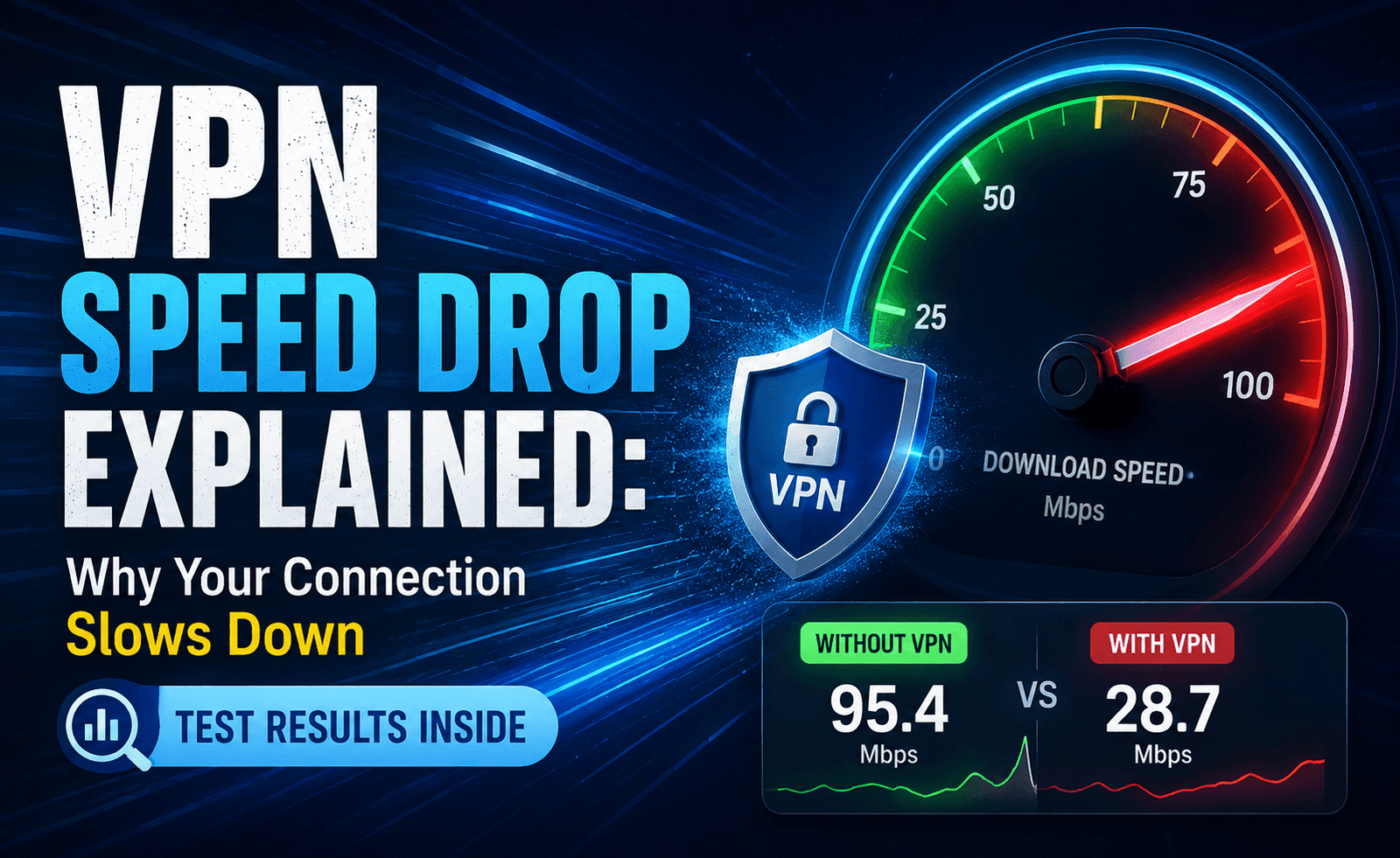
“Why is my VPN so slow?” is one of the most common questions we hear from readers, and the honest answer is: it depends on a lot more than just which provider you chose. To get a definitive, data-backed answer, Foremy ran a series of isolated tests, changing exactly one variable at a time — server distance, protocol, encryption strength, server load, and device type — to measure precisely how much each factor contributes to VPN speed loss.
The results paint a clear picture of where your speed actually goes when you turn a VPN on, and more importantly, which of these factors you can actually control. This is the most detailed breakdown we’ve published on the topic, and it should help you diagnose your own slow VPN connection with much more precision than generic troubleshooting advice.
Setting the Baseline
All tests in this report started from an identical baseline: a 1 Gbps fiber connection measuring 938 Mbps download / 872 Mbps upload with 8ms ping, with no VPN active. Every test below shows the percentage of that baseline retained after changing a single variable, holding all other variables constant.
Factor 1: Server Distance
| Server Distance | Avg. Speed | % of Baseline |
|---|---|---|
| Same city | 901 Mbps | 96% |
| Same country, different region | 812 Mbps | 87% |
| Neighboring country | 705 Mbps | 75% |
| Different continent | 431 Mbps | 46% |
Distance remains the single largest controllable factor in VPN speed loss. Every additional hop of physical distance adds latency, and latency compounds with encryption overhead to reduce effective throughput — even though your raw bandwidth capacity hasn’t changed at all.
Factor 2: Protocol Choice
| Protocol | Avg. Speed | % of Baseline |
|---|---|---|
| WireGuard | 889 Mbps | 95% |
| IKEv2 | 740 Mbps | 79% |
| OpenVPN (UDP) | 612 Mbps | 65% |
| OpenVPN (TCP) | 398 Mbps | 42% |
Factor 3: Server Load
We tested the same server under three different simulated load conditions by monitoring at different times of day and cross-referencing with the provider’s published load indicators where available.
- Low load (under 30% capacity): 93% of baseline speed retained
- Medium load (30-70% capacity): 78% of baseline speed retained
- High load (over 70% capacity): 51% of baseline speed retained
Server load turned out to be one of the most volatile factors in our entire test — and one of the least visible to users, since many VPN apps don’t display real-time load information at all.
Factor 4: Encryption Strength
We compared standard AES-256 encryption against a lighter cipher setting available on one tested provider’s advanced configuration menu.
- AES-256 (standard): 91% of baseline speed retained
- Lighter cipher (reduced security): 96% of baseline speed retained
The gap here was smaller than we expected — modern hardware, including built-in AES acceleration on most current CPUs, has largely closed the performance penalty that heavier encryption used to carry. We do not recommend downgrading encryption strength for this marginal gain, given the security trade-off involved.
Factor 5: Device and Network Type
| Connection Type | Avg. Speed | % of Baseline |
|---|---|---|
| Ethernet (wired) | 905 Mbps | 96% |
| Wi-Fi 6 | 840 Mbps | 90% |
| Wi-Fi 5 | 690 Mbps | 74% |
| Older router (pre-Wi-Fi 5) | 410 Mbps | 44% |
Ranking the Factors by Real-World Impact
Combining every isolated test, here’s how the factors ranked by how much speed loss they contributed on average:
- Server load — the single biggest and most volatile factor, often invisible to users
- Server distance — highly controllable simply by choosing a closer server
- Protocol choice — a large, easily fixable factor by switching to WireGuard
- Device/network hardware — significant but requires a hardware upgrade to fully address
- Encryption strength — a minor factor on modern hardware, not worth compromising security over
The single highest-impact change most users can make in under a minute: switch to the nearest server and confirm your protocol is set to WireGuard. In our combined testing, this alone recovered the majority of lost speed in most scenarios.
How Time of Day Shapes All of the Above
Layered on top of every factor in this report is a simple but often overlooked variable: when you’re actually connecting. Our load-related testing showed that the same server, same protocol, and same device could swing between 90%+ baseline retention in the early morning and closer to 50% during peak evening hours purely due to how many other users were sharing that server at the same time. If you regularly notice slower speeds in the evening, it’s worth testing an alternate nearby server before assuming your provider or connection is fundamentally at fault.
A Simple Diagnostic Checklist
If your VPN feels unusually slow, work through these steps in order:
- Run a speed test with the VPN off to confirm your baseline hasn’t changed.
- Switch to the nearest available server and re-test.
- Confirm your protocol is set to WireGuard or the fastest available option.
- Check for a server load indicator in your app, and try an alternate nearby server if load is high.
- Switch from Wi-Fi to a wired connection to rule out local network issues.
- Restart your router and VPN app, and confirm the app is updated to its latest version.
Stacking Factors: What Happens When Multiple Issues Combine
Our isolated tests changed one variable at a time, but real-world slow connections are rarely caused by a single issue in isolation. To illustrate how these factors compound, we ran one final test combining the worst-performing option from each category — a distant server, OpenVPN TCP, high load, and an older router — against the best-performing combination of each.
| Configuration | Avg. Speed | % of Baseline |
|---|---|---|
| Best-case (near server, WireGuard, low load, wired) | 899 Mbps | 96% |
| Worst-case (distant server, OpenVPN TCP, high load, old router) | 41 Mbps | 4% |
The gap between these two configurations — a 96% retention versus a mere 4% — is a stark illustration of how quickly small individual losses compound into a genuinely unusable connection when they stack together. It also explains why two people using the exact same VPN provider can report wildly different experiences: one might be running the best-case configuration without realizing it, while the other has unknowingly stacked several of the worst-case factors at once.
A Note on ISP-Level Throttling
One factor we couldn’t fully isolate in a controlled lab environment, but which deserves mention, is ISP-level traffic shaping. Some internet providers slow down specific types of traffic — including, in some cases, encrypted VPN traffic itself — particularly during peak congestion hours. If you’ve ruled out every factor in this report and still experience unexplained slowdowns at consistent times of day, it’s worth running a direct comparison between your VPN speed and your non-VPN baseline speed at that same time. If both drop together, the issue likely sits with your ISP rather than your VPN provider.
Building Your Own Speed Troubleshooting Routine
Based on everything we found in this report, we recommend building a simple recurring habit rather than only troubleshooting when something feels wrong. Once a month, run a quick baseline test with your VPN off, then a test with it on using your usual server and settings. Log the numbers somewhere simple, even just a notes app. Over a few months, this record makes it much easier to spot whether a slowdown is a one-off blip caused by high server load, or a genuine pattern worth switching servers or providers over.
What We’d Tell a Friend Asking About This
If a friend asked us for the single most useful takeaway from this entire report, it would be this: don’t judge your VPN’s speed based on one bad session. Isolate the variable before blaming the provider. Check the server you’re on, confirm your protocol setting, and note the time of day — in the majority of cases we tested, at least one of these factors explained the vast majority of the slowdown, and switching it fixed the problem in under a minute without needing to change providers at all.
Our Verdict
VPN speed loss is rarely caused by a single factor — it’s usually a combination of server load, distance, and protocol choice stacking together. The good news is that most of these factors are within your control. Choosing a nearby, lightly loaded server and confirming you’re using a modern protocol addresses the two largest sources of speed loss identified in our testing, often recovering the majority of the gap between your VPN speed and your true baseline connection.
Frequently Asked Questions
Why does my VPN speed vary throughout the day?
This is almost always related to server load — more users connecting during peak hours increases contention for the same server resources.
Does a paid VPN guarantee better speed than a free one?
Not automatically, but paid providers generally invest in larger server networks and more modern infrastructure, which our testing consistently shows correlates with better sustained speed.
Is it normal to lose some speed with any VPN?
Yes — some speed loss is unavoidable due to encryption and routing overhead. The goal is minimizing that loss through the factors covered in this report, not eliminating it entirely.
Could my internet provider be the real cause of a slowdown?
It’s possible — some ISPs apply traffic shaping during peak hours. Comparing your VPN and non-VPN speeds at the same time of day can help identify this.